Journaling
Rapid LogEverything you are carrying, in short lines, sorted by when
Last updated
What the Rapid Log is
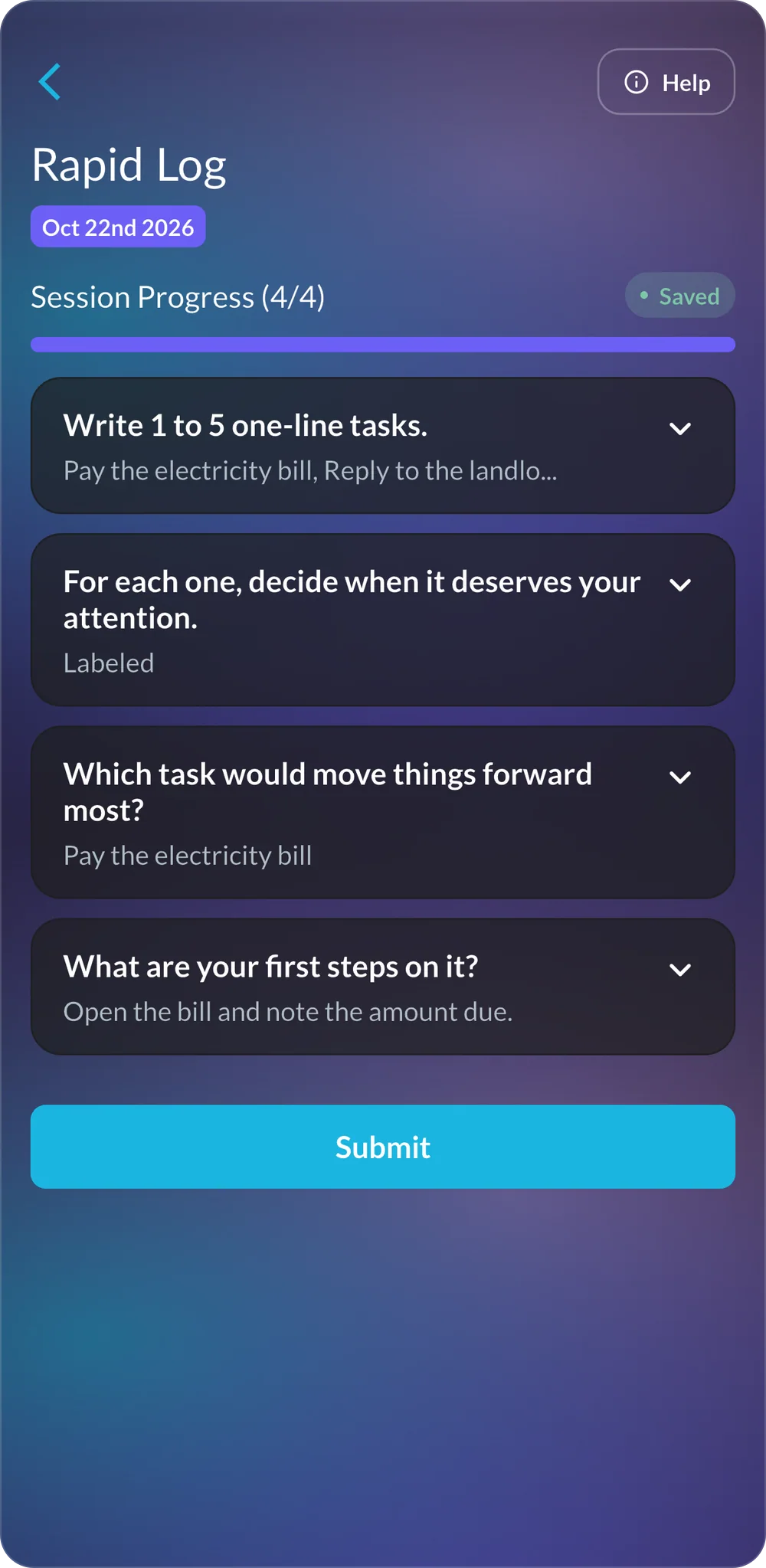
Rapid logging is the core move of the Bullet Journal: short lines, no sentences, captured fast. The app's version has four steps. Capture one to five one-line tasks, whatever is on your mind, in any order. Sort each one by when it deserves your attention: today, this week, or later. Pick the one that would move things forward most. Write your first steps on it. It is the one to do when there is too much in your head to do anything else.
How to do the Rapid Log
- Write one to five one-line tasks.
- For each one, decide when it deserves your attention: today, this week, later.
- Pick one from the list, the one that would move things forward most.
- What are your first steps on it?
A Rapid Log example
The tasks: pay the electricity bill, reply to the landlord, book a haircut, fold the laundry. Sorted: pay the bill, today; reply to the landlord, today; book a haircut, this week; fold the laundry, later. The pick: pay the electricity bill. First steps: open the bill and note the amount due.
In Breathtaking the exercise is guided, one step at a time, and the sorting is done by tapping. If journaling is new to you, what journaling is and how it works covers the basics.
What happens when you write it down
Getting everything out of your head and onto the page, an effect sometimes called offloading, frees up mental bandwidth and reduces the low-grade stress of trying to hold it all in mind. Unfinished tasks keep a small process running in the background; a task written down with a time attached can be forgotten safely, and that is the relief the moment the list exists. Picking one and writing its first step turns the log from a list into a start. You may feel lighter and clearer once it's all written down, with less swirling in your head.
What it's used for
A busy day that has become a blur. Too many small things at once. The moment before sleep when the tasks start circling. Anyone whose mind keeps a list it will not put down.
Where it comes from
Rapid logging comes from the Bullet Journal method developed by Ryder Carroll as a fast way to capture and organize, first shared online and later set out in his book. Carroll's bullets, a dot for a task, a circle for an event, a dash for a note, are the ancestors of the app's short lines. On the techniques page it sits with the modern methods.
When to use it
The start of the day, to see it at a glance. The end of the day, to empty the head before bed. Any moment the list in your head gets louder than the task in front of you. It sits next to the Eisenhower Quadrant, which sorts by worth as well as time, Pomodoro Start, which starts the pick, and Free Write, for everything that is not a task.
The Rapid Log in Breathtaking
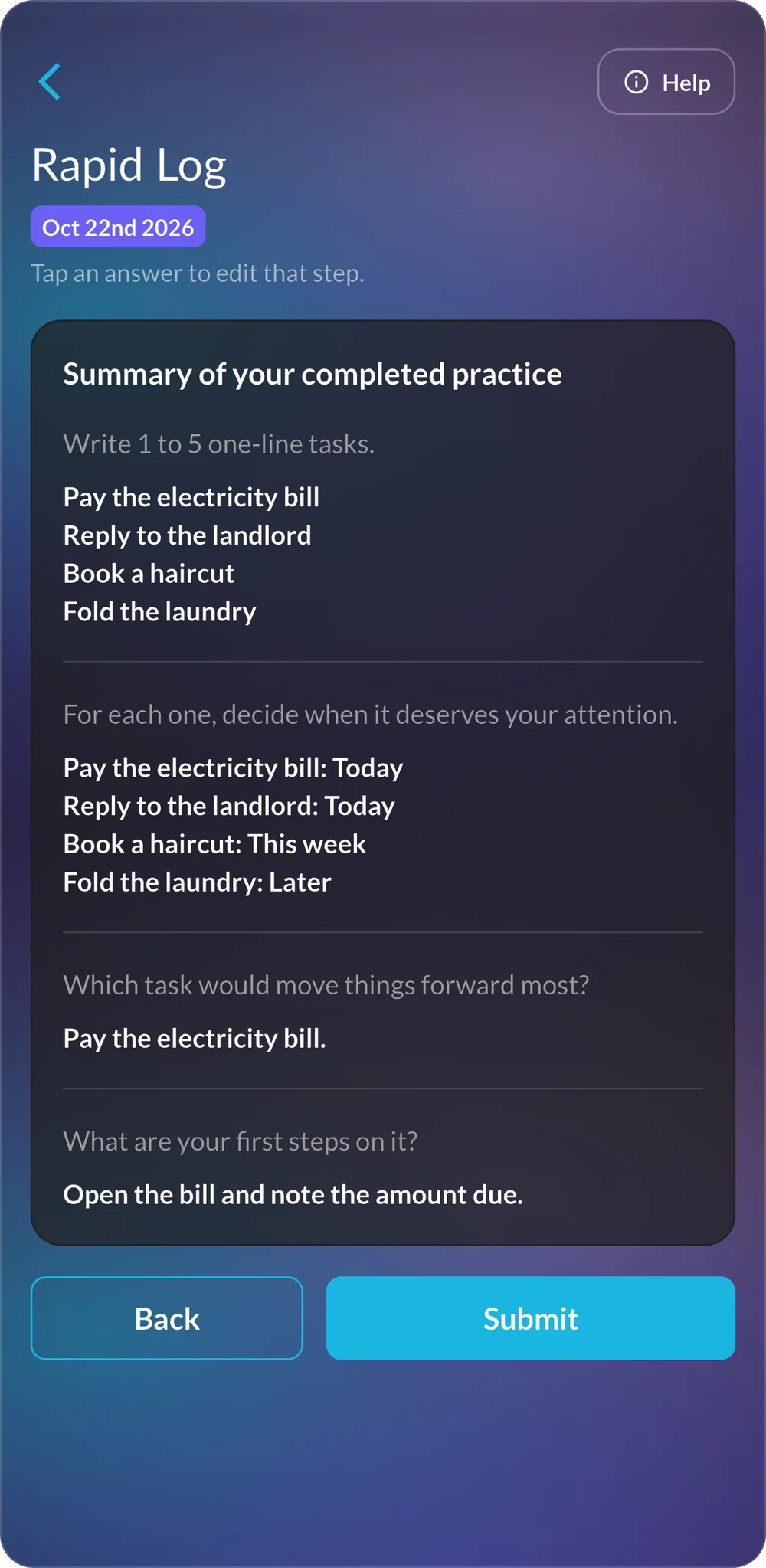
Journaling, self-paced, one question at a time. Its job in the program is discipline. Your entries stay private and are not sent to an outside AI or sold for advertising or any other reason. In the app it is called Rapid Log.
Related techniques
- Eisenhower QuadrantTasks sorted into four boxes by urgent and important, to see what deserves attention.
- Pomodoro StartOne task chosen and one focused interval committed to, to beat procrastination.
- Free WriteWriting continuously about whatever comes, without stopping to edit, to clear mental clutter.
Breathtaking Premium gives you unlimited access to the Rapid Log and 22 other journaling practices.
These practices are tools for nervous system regulation. The guide explains what it is, the signs you need it, and how to start.
Your personalized program picks one to three of these a day, in the minutes you have.
Try 7 days free